
< Back to articles

Talk to Siri in the car without taking your eyes off the road
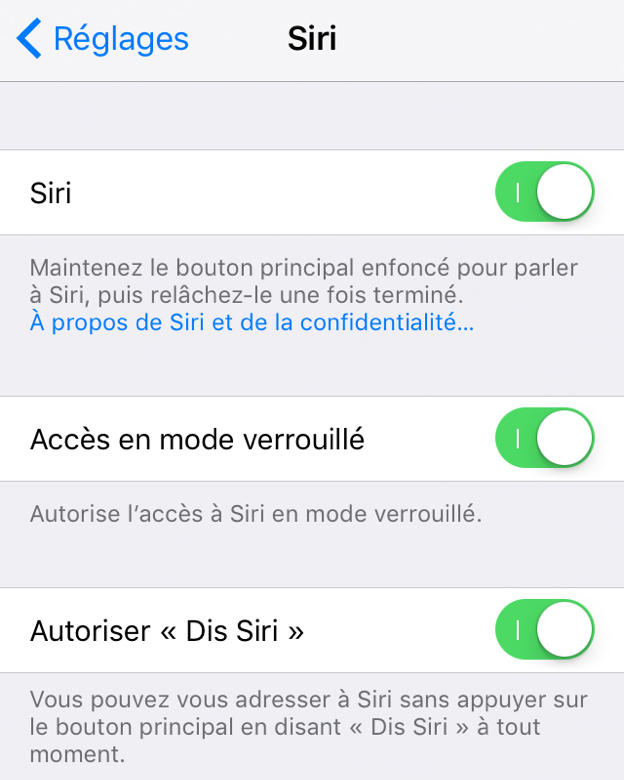
In your iPhone settings, open Siri and enable “Hey Siri”.
Once your phone is installed on its holder in the car, just say “Hey Siri”, then make your request. For example:
- Open the Coyote app.
- Send an email to...
- Call... on speakerphone.
- Calculate the route to...
- Read emails from...
- Read my text messages.
- Answer the call on speakerphone.
- Start my playlist.
- Pause the music.
- What will the weather be like at my destination?
And so on.
When Siri is displayed on screen and you want to return quickly to your navigation app, GPS, Coyote and so on, simply say “Hey Siri”, then:
“Goodbye.”
“See you soon.”
Or, a little more directly, but it works just as well:
“Be quiet!” 😄
Siri then closes and you automatically return to the app you were using.