Remote working
Following the coronavirus wave and the closure of schools and childcare facilities, some people needed to work from home.
There are several solutions depending on your work setup and the tools you use:
- If all your data is only on your computer, taking the computer with you means you take everything with you.
- If you use a local file server:
One option is to use a cloud service such as Dropbox, which lets you access your data while keeping it up to date on your server. This is recommended for large files.
Another option is to add external access to your file server. This is practical for small files, but requires a good internet connection.
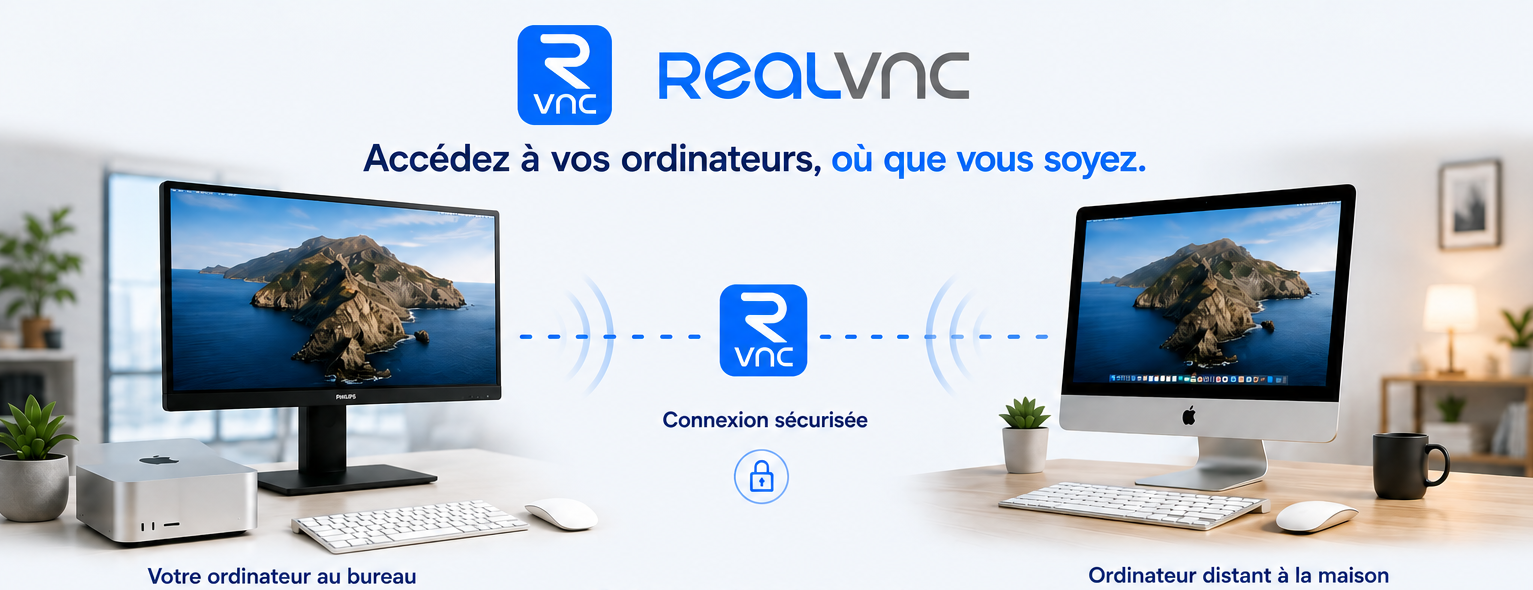
You can also use remote-control software such as RealVNC, which lets you connect to your workstation as if you were at your desk. You need a second computer, but the advantage is that a modest computer is enough, because the computing power remains on the workstation you control. You also do not need software licences on the second computer.
You can also rent equipment from us by the month: iMac, MacBook, iPad, etc.
if you need it.