

Protecting your Mac in case of theft
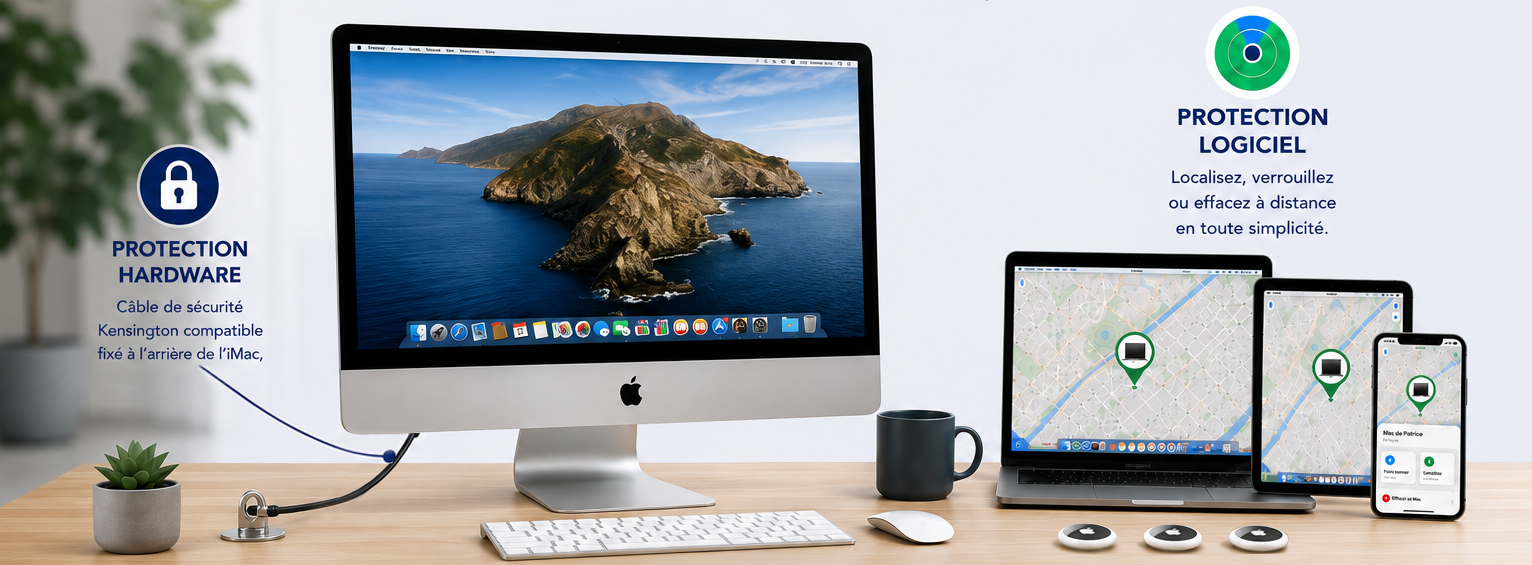
There are several ways to protect your Mac.
1/ Physical protection
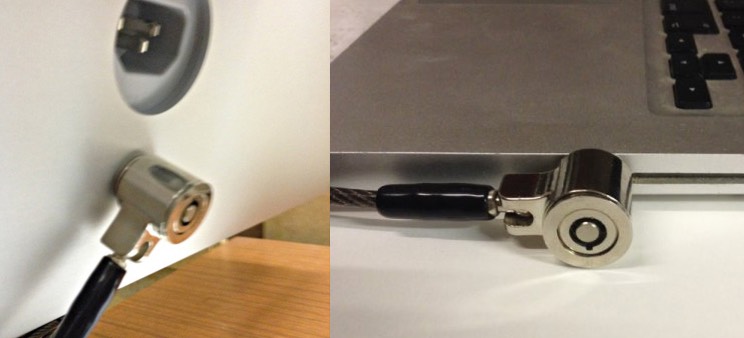
Most Mac laptops and some desktop Macs have a security slot, depending on the model, allowing you to attach a Kensington-style lock or equivalent.
This is a metal cable with a key lock or combination lock that attaches your computer to a desk or piece of furniture.
See our dedicated article on the site.
2/ Software protection
The second type of protection is software-based.
Find My (Apple)
In System Settings, enable Find My Mac with your Apple account.
If your Mac is lost or stolen, you can locate it on a map, make it ring, display a message on screen with your contact details, lock it remotely or, as a last resort, erase its contents.
The same function also exists on iPhone, iPad, Apple Watch and AirPods. It is therefore worth enabling it on all your devices.
Hidden
Hidden for Mac, iPhone and iPad is an alternative to Apple Find My and adds extra security features.
If your computer is stolen, it can transmit its position, automatically take photos with the built-in camera, send screenshots and collect information that helps with locating and identifying it.
All this information is available from the mobile app or simply through a web browser.