

MacKeeper and unwanted software
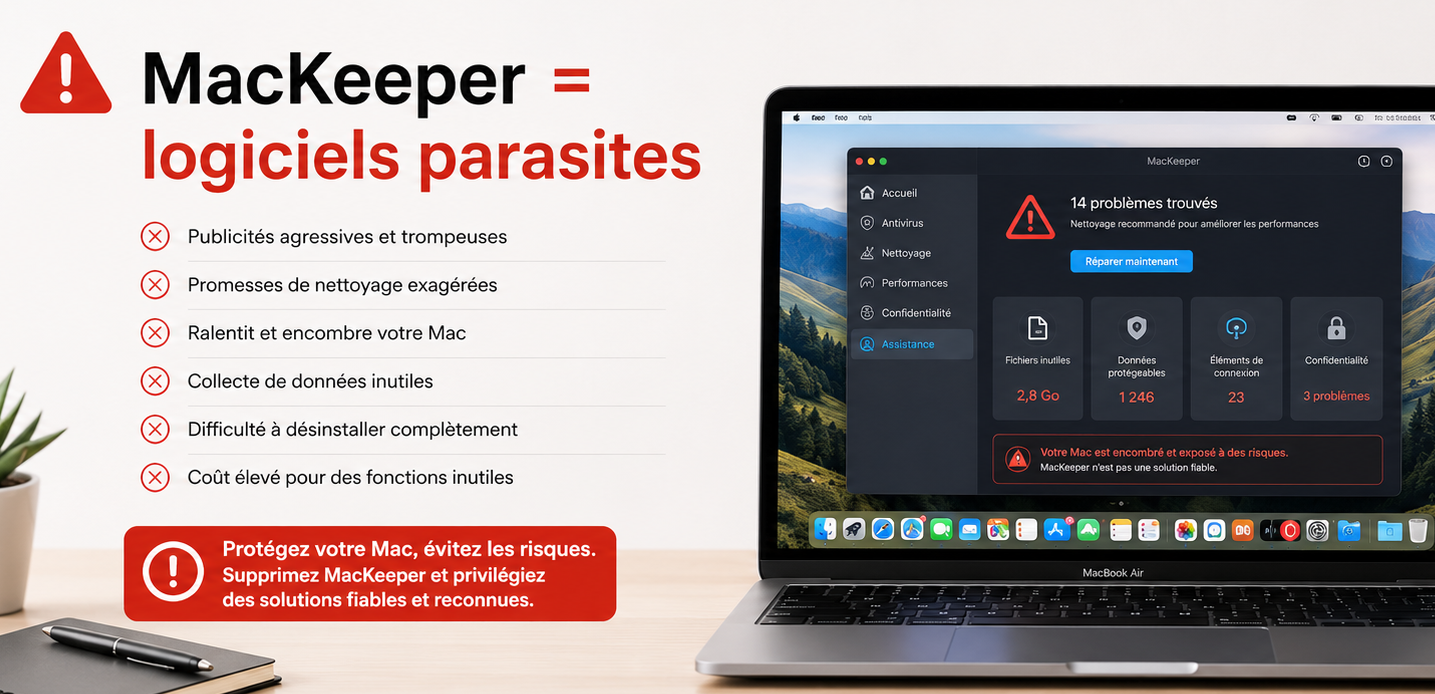
MacKeeper tricks you with fake alerts...
You are browsing the internet quietly when suddenly a banner or window appears, telling you that your Mac is infected or has become very slow, with only one solution: install MacKeeper.
In reality, the website has absolutely no way of knowing the state of your computer. It simply knows you are using a Mac.
It is a bit like someone randomly saying: “Your refrigerator door is open!” or “Your car headlights are still on!” Not a very credible diagnosis.
Once installed, this type of software can display many alarming alerts to push you into buying the full version. Some users also notice lower performance because the software remains active all the time.
On macOS, software cannot install itself. The user must download it, launch the installer and enter a password. Browser extensions require fewer steps, but still require validation.
Scammers therefore use various tricks to convince you to download software: fake security messages, supposedly missing video codecs, fake browser updates or fake media player updates. Once installed, these programs can display advertising, change your browser settings or collect certain information.
The best reflex is always to download software directly from the official publisher website or from the Mac App Store when available. If a message looks suspicious, do not click it: open the publisher’s official website instead to check whether an update really exists.

In the same spirit, be careful with some security tools that communicate very aggressively, such as TotalAV, and sometimes use similar marketing methods: alarmist alerts, exaggerated scan results, or fake comparisons where they always appear at the top of the rankings.