

< Back to articles
Emergency information to fill in on iPhone
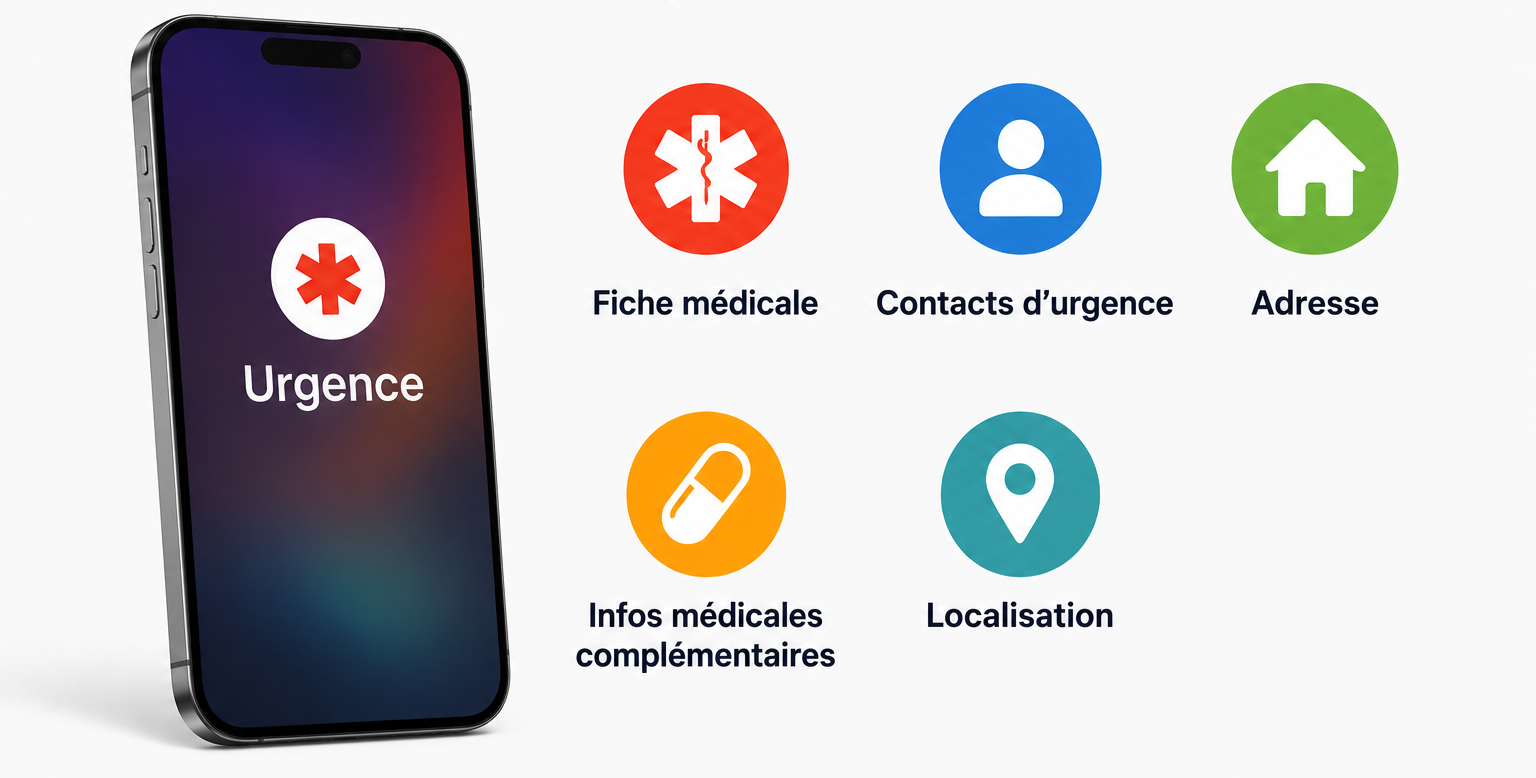
If your phone is lost, or in the event of an accident, your iPhone can display vital health information as well as emergency contacts.
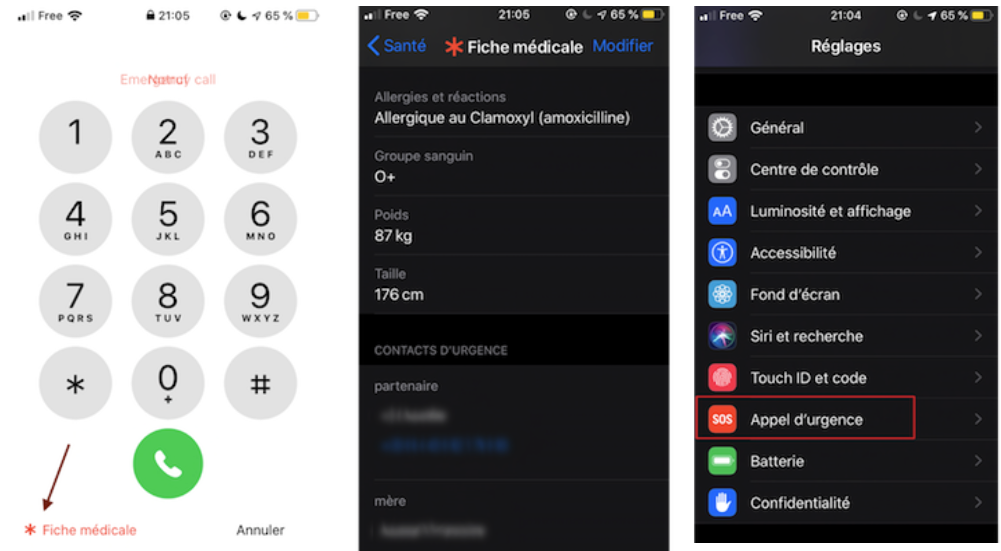
The information is accessed through the “Emergency” button, even when the phone is locked.
Then choose “Medical ID”.
To enter this information on your iPhone, go to Settings, then Emergency SOS, and fill in the emergency contacts: relatives, doctor, and so on.
Then tap “Edit Medical ID” in Health and complete your medical card.