Alternatives to Adobe, part 1
Just as Adobe once challenged QuarkXPress in desktop publishing, a new player has come to shake up the standard.
After CS6, Adobe moved to subscription versions instead of perpetual licences. Students were among the most affected, moving from a complete suite bought at 10% of the price and usable for life to a much more expensive subscription.
Even though Adobe has lowered the price of the complete suite, it remains a real investment and many people do not want to move to a subscription.
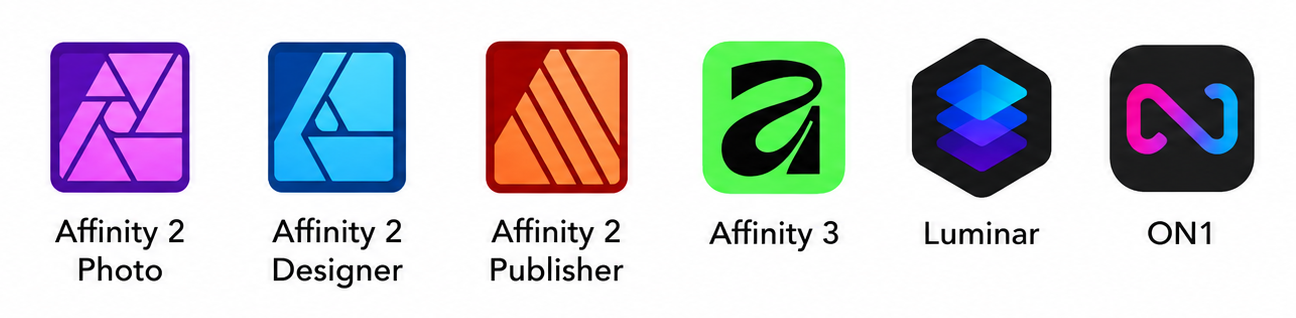
Affinity is a serious outsider, offering non-subscription versions that require a lighter OS than Adobe.
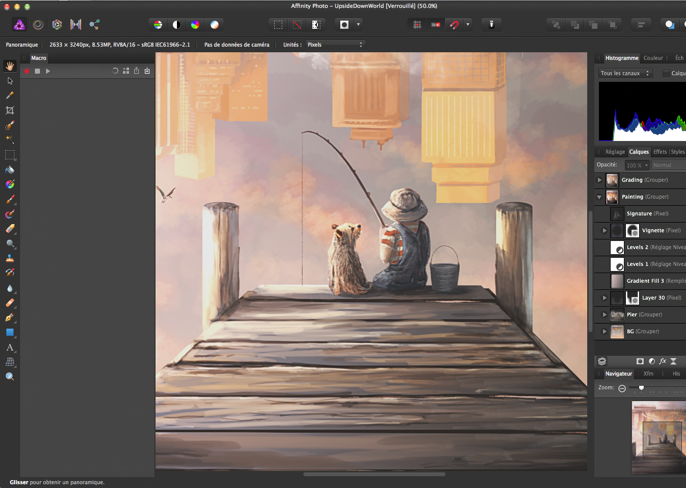
Affinity Photo is a direct competitor to Photoshop for many uses.
- It handles RGB and CMYK.
- It recognises Photoshop files.
- It has a fresh interface and new features.
- It can save the history inside the file, allowing you to go back without limits.
- Most actions are dynamic and remain editable in layers.
Version 2 was offered at 79 euros for life, and since version 3 it is now free.
In one same software family, Affinity includes the equivalent of Illustrator, Designer, and the equivalent of InDesign, Publisher.
Publisher can open a multi-page PDF and modify it as if it had created it. To do the same, InDesign needs a paid Markzware add-on.
For more playful photo editing, Luminar and ON1 Photo also appeal to photographers of all levels.
Luminar includes smart functions:
- removing objects or people;
- generative expansion, extending a photo to the left, right or both sides;
- sky replacement, automatically adapting colour and even reflections in water;
- face enhancement, features that appeared in Luminar years before Adobe.